
About This Lesson
What is a modern computer device? Whether students are using a smartphone, tablet, Chromebook, or desktop, they’re using a computer. At the center of every computer is a processor (CPU)—the “brain” that runs instructions and helps the device do everything from opening documents to saving files.
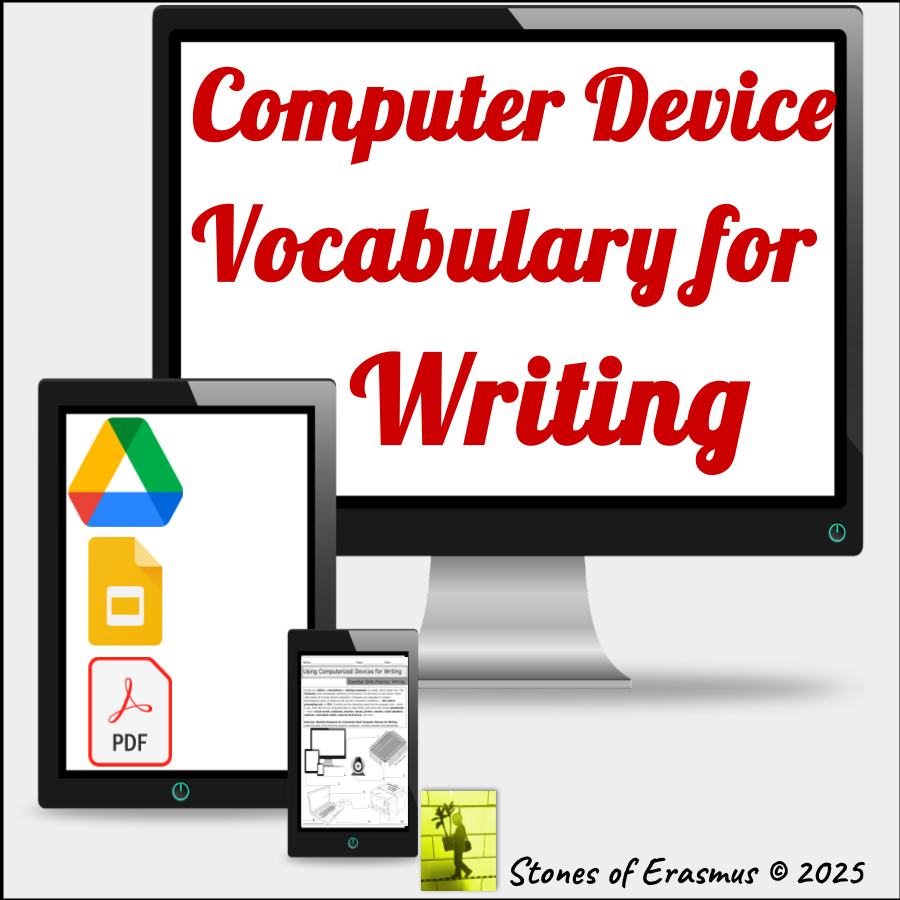
Build students’ academic vocabulary for tech and writing with a visual anchor chart and a Label-It! exercise that makes key terms stick—perfect for the computer lab, writing center, library, or any middle/high school ELA or humanities classroom using ed-tech.
Formats included: Printable PDF + editable Google Workspace version.
What’s included
What Inside:
- Teacher Note (how to use the resource)
- “Using Computerized Devices for Writing” Anchor Chart (content-specific vocabulary)
- “Label-It!” visual labeling exercise
- Standards Chart for planning
- Answer key + student sample
© 2026 stonesoferasmus.com