. Skip to main content
How to make a story box
beta
EdBrAIn It
EdBrAIn uses AI to customize lesson resources for your students’ needs.

How to make a story box

Share

Share On Facebook
Share On Twitter
Share On Pinterest
Share On LinkedIn
Email
teacher with elementary students

ESL, lesson plan, Off2Class, teaching, infinitives, verbs, word, to, English, speakers, objects, sentences, subject, adverbs, adjectives

Grade Level Grades K-2
License

About This Lesson

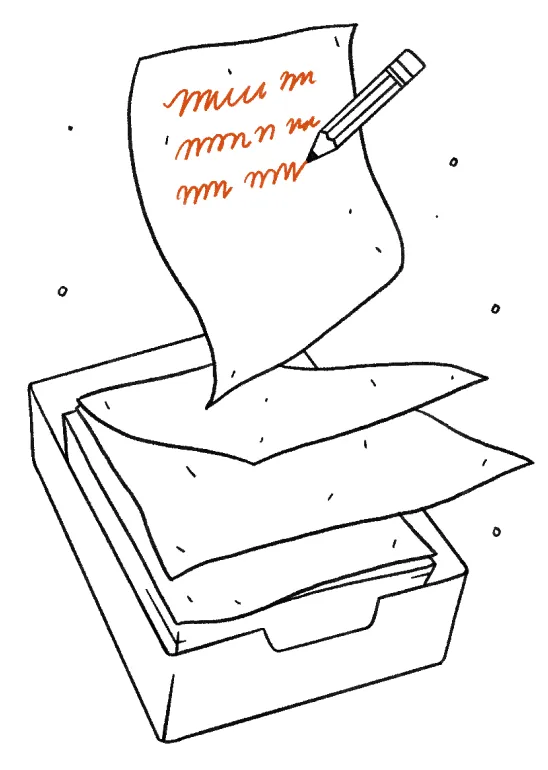
A guide to making a scrolling story. This is a different approach to displaying a story. Instead of creating a book; try creating a Story Box. A Story Box is a box to display a story in a scrolling format. The story is scrolled across a viewing window for the viewer to read. Similar to a video player; new stories can be viewed in the Story Box each time – simply insert a new scroll.
Reviews

Write A Review

Be the first to submit a review!

Advertisement